
Speechify Retro, the intuitive app for team retrospectives.
A simple and intuitive tool for team retrospectives. Start a retrospective now and share the link with your team!
How It Works
After you start a retro and share the link with your team, here's how it works.
1
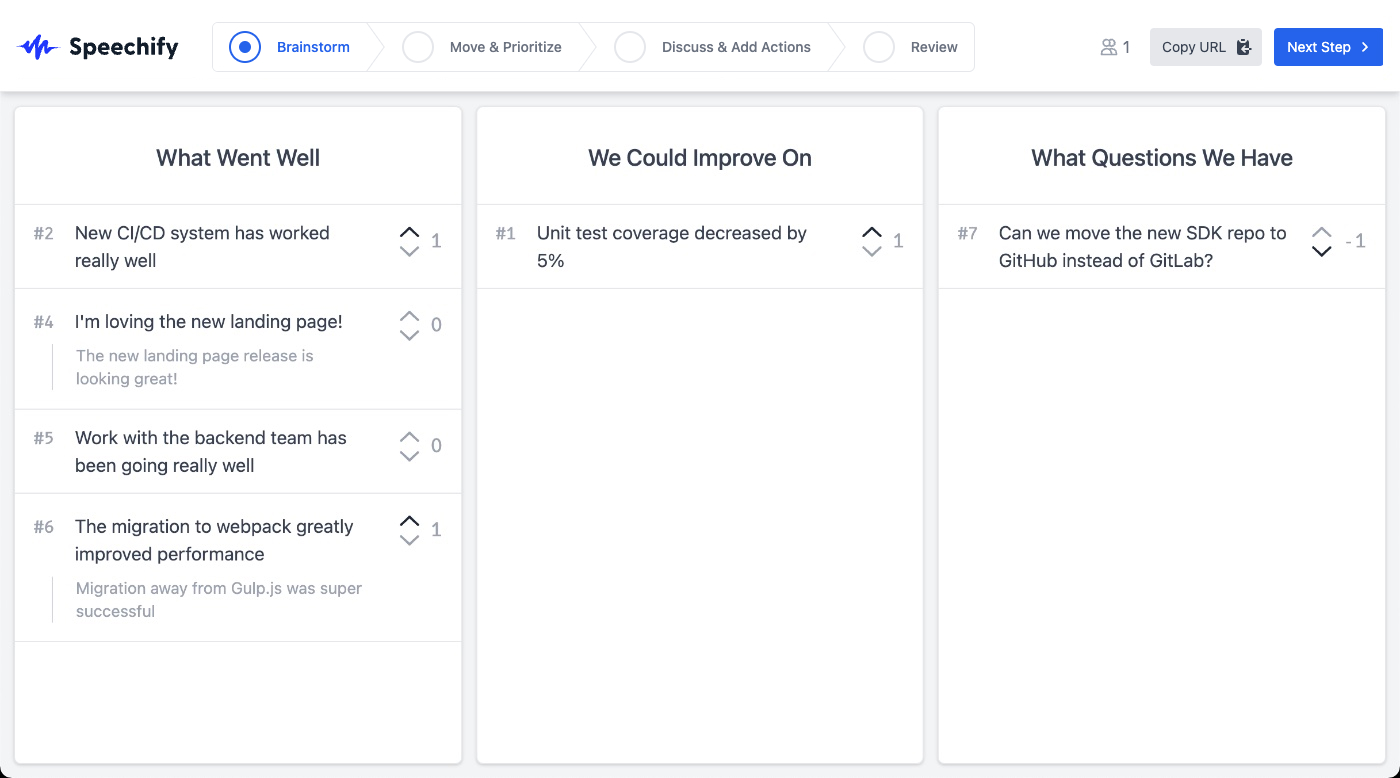
Brainstorm
- Everyone on your team comes up with ideas on what worked well, what to improve, as well as any questions to discuss. Retro items are all anonymous, and in this phase people on the team can only see items they've created.
2
Move & Prioritize
- Members of the team can vote on which items they think are most important to discuss. Items that are similar or related can be grouped together for voting and discussion.
3
Discuss & Add Actions
- Now is the time to discuss the items, now auto-sorted by the most votes. You can star an item being discussed, and check off covered items. The actions column is available to add relevant actions.
4
Review
- Review the contents of the retro and save them for future use. Easily copy the contents or share a permanent link with others.
Features
Useful functionality that makes Speechify Retro a great tool for your team.
Ready to Start a Retro?
Start a retrospective now and share the link with your team!